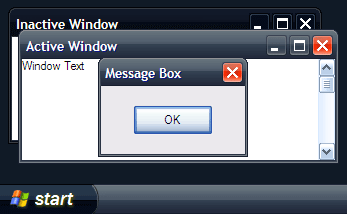
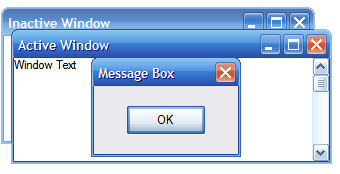
As an alternative to the standard blue, olive and silver themes in windows XP, the Royale Noir Theme Pack provide a new black and blue theme.
Just download the theme and extract the .zip into “C:\Windows\Resources\Themes\”, open the folder Royale Noir (“C:\Windows\Resources\Themes\Royale Noir\”) and doubleclick the “luna.msstyles”. Select “Royale” or “Royale Noir” from color scheme.
[ad code=1 align=left]
More about Windows themes here.
15 Responses to Black Royale Theme for Windows XP