Greenshot (update #3)
Greenshot might be even better… :-)
PrtScr (update #2)
PrtScr I believe is a better alternative compared to the two previous tools:
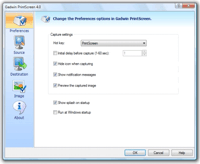
Gadwin PrintScreen (update #1)
Gadwin PrintScreen I believe is a better alternative than MWSnap.
MWSnap
MWSnap is a great utility for taking screen captures, which adds the feature of selecting a specific area of the screen and specific elements. The program supports saving screen dumps in BMP, JPG, TIFF, PNG and GIF formats, with user selected color depth and quality settings. It also includes a zooming tool, a screen ruler and a color picker as well as system wide hotkeys and preset selection sizes. A very nice little program, and properly one of the best free tools to make screen dumps on windows.

The program can be downloaded right here.
Pingback: 94files » Blog Archive » Recommended screenshot screen capture dump utility for Windows